
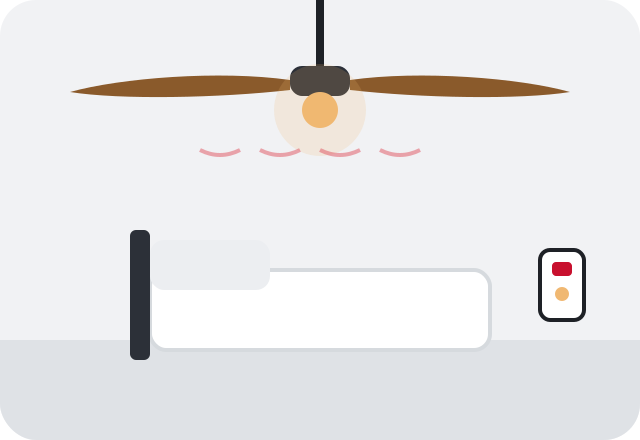
What homeowners usually notice
- An electrical hum from the motor housing that you can hear from across the room
- The fan spins slower than it used to or will not reach high speed
- Only one or two speeds work on the pull chain
- A ticking, clicking or rattling sound that changes with speed
What to do right now
- Turn the fan off and let it stop, then check that blade screws and the light kit glass are snug by hand
- Try every speed and note which work and which do not
- Check whether the fan is on a wall dimmer rather than a fan-rated speed control
- If the motor housing is hot or smells burnt, switch the fan off at the breaker
Likely causes
Failing capacitor
The capacitor helps start the motor and sets its speeds. As it ages, the fan may hum, start slowly, run weak on high or lose speeds entirely.
Wrong control on the circuit
A standard light dimmer is not designed for a fan motor. It can make the motor hum loudly and run hot. A fan needs a speed control rated for fans.
Loose blades, glass or canopy
Many rattles and ticks are mechanical: a loose blade screw, a light globe not tightened, or a canopy that has shifted against the ceiling.
Worn motor bearings
Older fans can develop a grinding hum or slow spin as the bearings dry out. This often shows up after years of running through long Alabama summers.
Remote receiver problems
Fans with a remote have a receiver in the canopy that can fail or conflict with the wall switch, causing hums and odd speed behavior.
Safe checks you can make
- Listen for whether the sound is electrical (a steady hum) or mechanical (clicks, rattles, grinding)
- Note whether the noise changes with speed
- Check whether a wall dimmer controls the fan
Leave outlet covers, switch plates and the panel cover in place. Noting what you see and hear is enough; testing inside boxes belongs to an electrician.
Is this something you can fix yourself?
A surprising number of noisy fans only need a few minutes of tightening. With the fan off, snug the blade screws, the blade arms and the light glass, and wipe dust off the blades. A fresh remote battery can clear up erratic speeds. If a dimmer is controlling the fan, stop using it for the fan until it is replaced with a fan-rated control. Beyond that, replacing the capacitor, the speed switch or the receiver means opening the fan's switch housing or canopy, which is wired to line voltage and usually requires working at height. That is a reasonable point to bring in an electrician.
When professional help is the right call
- The motor housing is hot to the touch or smells burnt
- The fan will not start without a push, or stalls
- The hum started after a dimmer or new wall control was installed
- The fan trips a breaker or makes lights on the circuit flicker
Safety first. Turn the fan off at its breaker if the motor smells of burning, smokes, or is too hot to touch. A motor forced to run through a dimmer or with a failed capacitor can overheat. If smoke continues or you see flame, leave the house and call 911.
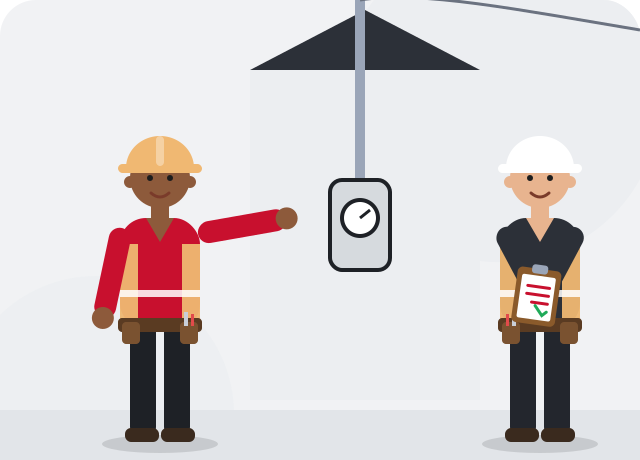
What an electrician typically checks
An electrician will listen to the fan, test the speeds, and check the control on the wall. A failed capacitor or pull-chain speed switch can usually be replaced inside the switch housing. A light dimmer on a fan circuit is swapped for a fan-rated speed control, often with separate controls for the fan and its light.
If the motor bearings are worn or the fan is old enough that parts are hard to find, replacement is often the practical option. That falls under ceiling fan repair or a new ceiling fan installation, and the electrician can confirm the box is rated to carry a fan while it is down. Adding a fan-rated wall control is common at the same visit.
Keeping it from coming back
Keep blades clean and screws snug, especially in homes where a fan runs most of the year. Use only fan-rated controls on fan circuits, and never put a standard dimmer on a fan. If a fan starts to slow down, address it before the motor has to strain for long periods, which shortens its life.